


Page 32 - Customize-Project-Plan-by-tailoring-Smartsheet
P. 32
Customize your Project Plan
by tailoring Smartsheet
10.1.1. Team
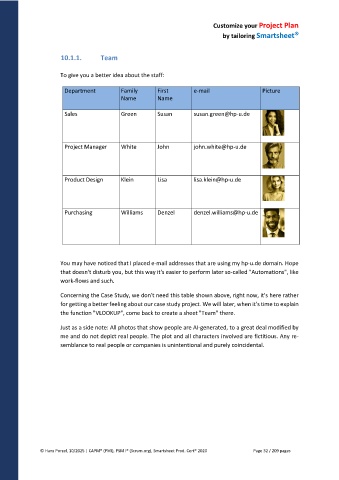
To give you a better idea about the staff:
Department Family First e-mail Picture
Name Name
Sales Green Susan susan.green@hp-u.de
Project Manager White John john.white@hp-u.de
Product Design Klein Lisa lisa.klein@hp-u.de
Purchasing Williams Denzel denzel.williams@hp-u.de
You may have noticed that I placed e-mail addresses that are using my hp-u.de domain. Hope
that doesn't disturb you, but this way it's easier to perform later so-called "Automations", like
work-flows and such.
Concerning the Case Study, we don't need this table shown above, right now, it's here rather
for getting a better feeling about our case study project. We will later, when it's time to explain
the function "VLOOKUP", come back to create a sheet "Team" there.
Just as a side note: All photos that show people are AI-generated, to a great deal modified by
me and do not depict real people. The plot and all characters involved are fictitious. Any re-
semblance to real people or companies is unintentional and purely coincidental.
© Hans Porzel, 10/2025 | CAPM® (PMI), PSM I® (Scrum.org), Smartsheet Prod. Cert® 2020 Page 32 / 209 pages

