


Page 52 - Customize-Project-Plan-by-tailoring-Smartsheet
P. 52
Customize your Project Plan
by tailoring Smartsheet
18. Milestones
18.1. Milestone
A milestone is a distinct point in the project. Often, they are called "Gates" too. The completion of
certain project phases, are often declared as milestones. It is entirely up to you which distinct points
you want to determine as milestones in your project plan.
However, since the main purpose of a project plan is to supervise deadlines, there should be at least
one milestone for the start of the project and at least one further milestone for the due date of the
delivery of the so-called "Deliverable".
A milestone gets declared by assigning a duration of 0 days to a task. In the Gantt view, there is then a
diamond symbol for the milestone displayed.
But it is important to distinguish between two types of milestones:
18.1.1. "Floating" Milestone
A "floating" milestone has a duration of 0 (zero) days, is shown as
a diamond symbol, but moves simply more or less along with the
timeline. In this case, the milestone is just a checkpoint, but not a
really fixed due date.
18.1.2. "Solid" Milestone
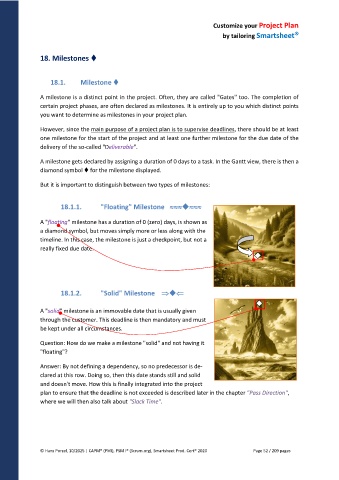
A "solid" milestone is an immovable date that is usually given
through the customer. This deadline is then mandatory and must
be kept under all circumstances.
Question: How do we make a milestone "solid" and not having it
"floating"?
Answer: By not defining a dependency, so no predecessor is de-
clared at this row. Doing so, then this date stands still and solid
and doesn't move. How this is finally integrated into the project
plan to ensure that the deadline is not exceeded is described later in the chapter "Pass Direction",
where we will then also talk about "Slack Time".
© Hans Porzel, 10/2025 | CAPM® (PMI), PSM I® (Scrum.org), Smartsheet Prod. Cert® 2020 Page 52 / 209 pages

