


Page 46 - Customize-Project-Plan-by-tailoring-Smartsheet
P. 46
Customize your Project Plan
by tailoring Smartsheet
16. Duration, Consecutive Days
16.1. Duration
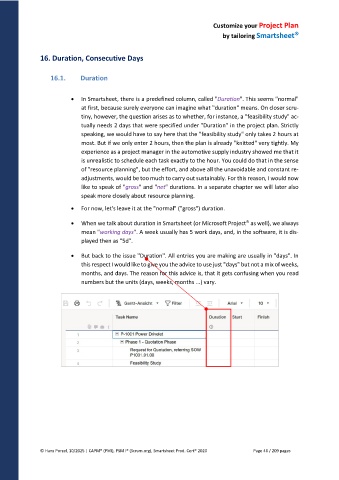
In Smartsheet, there is a predefined column, called "Duration". This seems "normal"
at first, because surely everyone can imagine what "duration" means. On closer scru-
tiny, however, the question arises as to whether, for instance, a "feasibility study" ac-
tually needs 2 days that were specified under "Duration" in the project plan. Strictly
speaking, we would have to say here that the "feasibility study" only takes 2 hours at
most. But if we only enter 2 hours, then the plan is already "knitted" very tightly. My
experience as a project manager in the automotive supply industry showed me that it
is unrealistic to schedule each task exactly to the hour. You could do that in the sense
of "resource planning", but the effort, and above all the unavoidable and constant re-
adjustments, would be too much to carry out sustainably. For this reason, I would now
like to speak of "gross" and "net" durations. In a separate chapter we will later also
speak more closely about resource planning.
For now, let's leave it at the "normal" ("gross") duration.
When we talk about duration in Smartsheet (or Microsoft Project as well), we always
mean "working days". A week usually has 5 work days, and, in the software, it is dis-
played then as "5d".
But back to the issue "Duration". All entries you are making are usually in "days". In
this respect I would like to give you the advice to use just "days" but not a mix of weeks,
months, and days. The reason for this advice is, that it gets confusing when you read
numbers but the units (days, weeks, months ...) vary.
© Hans Porzel, 10/2025 | CAPM® (PMI), PSM I® (Scrum.org), Smartsheet Prod. Cert® 2020 Page 46 / 209 pages

