


Page 22 - Customize-Project-Plan-by-tailoring-Smartsheet
P. 22
Customize your Project Plan
by tailoring Smartsheet
7. Web Browser
You get access to Smartsheet through the internet, because it's a web-based software application.
Please make sure your Web Browser is not the already outdated, ancient Internet Explorer, ...
… but rather Firefox , preferably Google Chrome or Microsoft Edge , either.
Google Chrome Microsoft Edge Mozilla Firefox
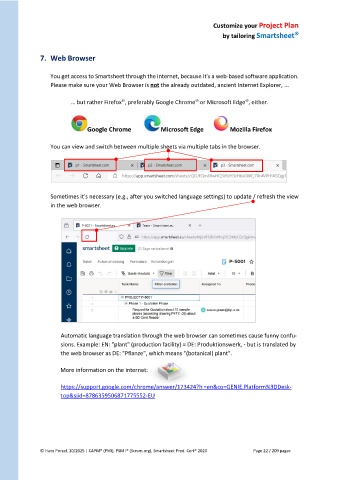
You can view and switch between multiple sheets via multiple tabs in the browser.
Sometimes it's necessary (e.g., after you switched language settings) to update / refresh the view
in the web browser.
Automatic language translation through the web browser can sometimes cause funny confu-
sions. Example: EN: "plant" (production facility) = DE: Produktionswerk, - but is translated by
the web browser as DE: "Pflanze", which means "(botanical) plant".
More information on the internet:
https://support.google.com/chrome/answer/173424?hl=en&co=GENIE.Platform%3DDesk-
top&sjid=8786359506871775552-EU
© Hans Porzel, 10/2025 | CAPM® (PMI), PSM I® (Scrum.org), Smartsheet Prod. Cert® 2020 Page 22 / 209 pages

