


Page 128 - Customize-Project-Plan-by-tailoring-Smartsheet
P. 128
Customize your Project Plan
by tailoring Smartsheet
When we talk about permission rights then I would like to remind you about one of our first topics we
already initially talked about: It was when we talked about "Workspaces and Folders" in Chapter 11.
You still remember? Now here, I would like to elaborate.
Please keep in mind that when you share a Workspace then you also share there the whole rights to
all items and included folders. This is called "inheriting". And the same goes also with sheets, project
plans, reports, etc. which are the items on the lowest level. If you share a Workspace, then also these
items inherit the permission rights you assigned people on the Workspace level.
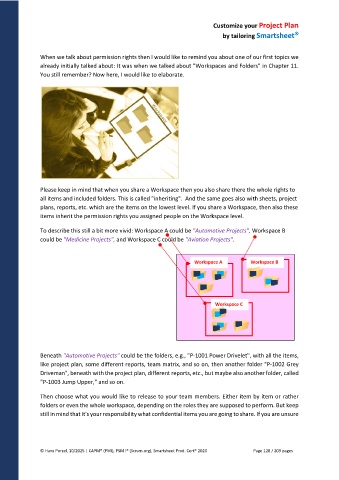
To describe this still a bit more vivid: Workspace A could be "Automotive Projects", Workspace B
could be "Medicine Projects", and Workspace C could be "Aviation Projects".
Workspace A Workspace B
Workspace C
Beneath "Automotive Projects" could be the folders, e.g., "P-1001 Power Drivelet", with all the items,
like project plan, some different reports, team matrix, and so on, then another folder "P-1002 Grey
Driveman", beneath with the project plan, different reports, etc., but maybe also another folder, called
"P-1003 Jump Upper," and so on.
Then choose what you would like to release to your team members. Either item by item or rather
folders or even the whole workspace, depending on the roles they are supposed to perform. But keep
still in mind that it's your responsibility what confidential items you are going to share. If you are unsure
© Hans Porzel, 10/2025 | CAPM® (PMI), PSM I® (Scrum.org), Smartsheet Prod. Cert® 2020 Page 128 / 209 pages

